

Phoshco Model Viewer
Browse 3D game-character models, search for a character, and preview animations in your browser.
WHY HERE
A focused character-reference session in your browser.
Find a tool for the job you have in mind.
Each entry explains why it’s here, who it fits, and what to check.
Browse 3D game-character models, search for a character, and preview animations in your browser.
A focused character-reference session in your browser.
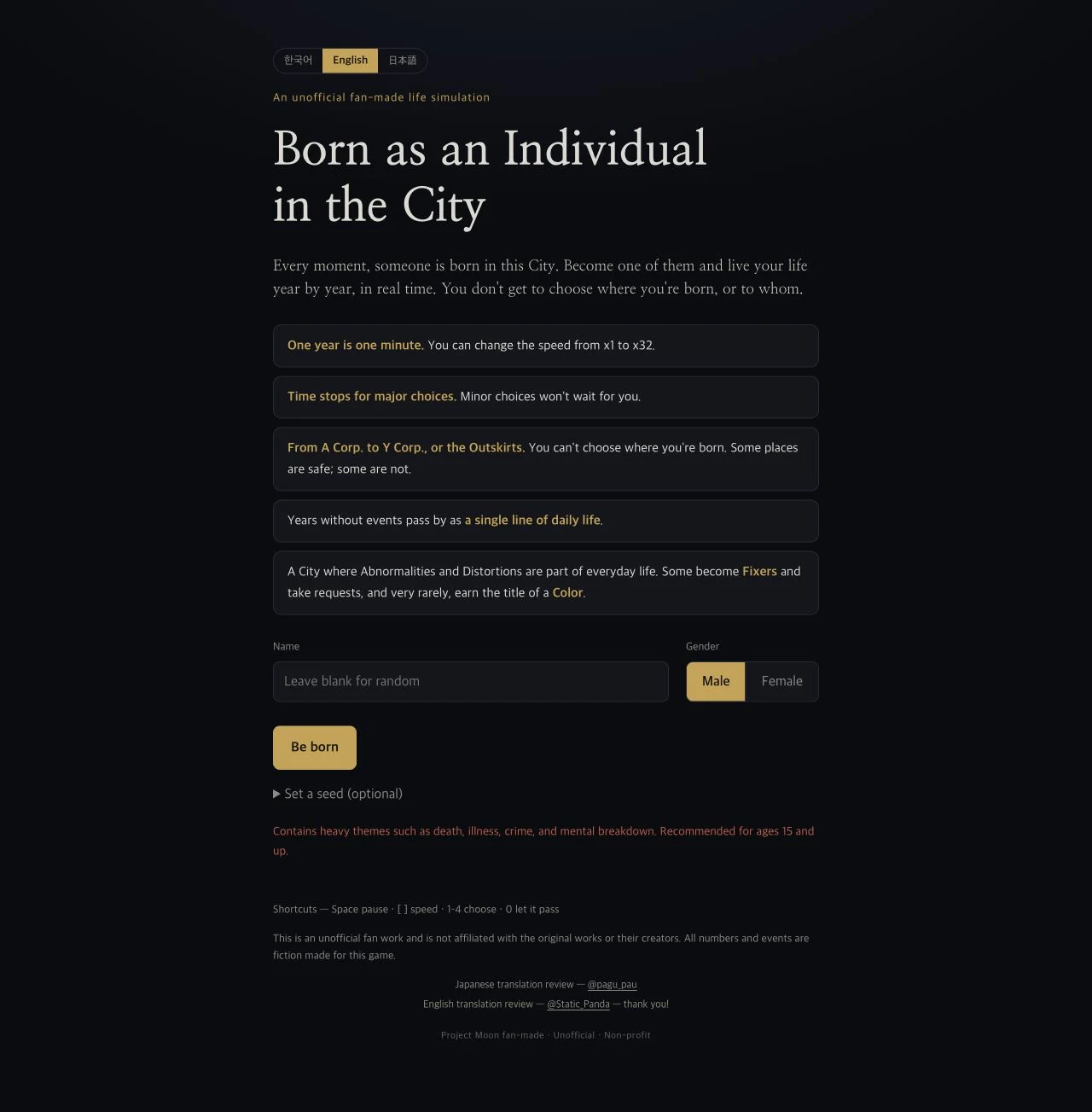
Explore Born as an Individual in the City, an unofficial Project Moon life simulator with timed choices, random origins, and evolving character stats.
Follow a life in the City through timed events, choices, and changing stats.
Keep photos by date in Day Pocket, a Replit-hosted memory calendar with colorful packets, stickers, and photo borders.
Wrap a day’s photos in a colorful packet and return to it on the calendar.
A music-player interface with a stereo skin, source controls, and equalizer settings.
A distinctive stereo interface; access still needs checking.
A political questionnaire that organizes a session’s answers into twelve dimensions.
Separate dimensions are worth reading before the label.
Use AI assistance while reading, editing, and working with a codebase.
Keep generated changes inside a reviewable coding workflow.
Describe a web app and iterate on its generated interface and behavior.
Turn a concrete user task into a prototype to inspect.
Organize documents, structured information, and shared project context in a workspace.
Connect shared context with the work it explains.
Find Zombies at vel.gg/bo1z: a BO1 browser project with game setup, ten map entries, and Classic or Counter-Strike guns.
Explore Panama earthquake reports and maps on Ojo Panamá, the destination of the former Sismo Panama Vercel app.
Explore a template-based retro photo booth with Take Photo and Upload modes.
Design a cassette-style digital mixtape using YouTube song links.
Explore an unofficial GTA Vice City browser port with local game-data import.
A music-player interface with a stereo skin, source controls, and equalizer settings.
A political questionnaire that organizes a session’s answers into twelve dimensions.
Design and publish portfolios, landing pages, and marketing sites on a visual canvas.
Track issues, plan product work, and connect tasks to projects and roadmaps.
Launch applications and perform desktop actions through a keyboard-first command interface.
Design interface layouts and share prototypes for review and collaboration.
Use AI assistance while reading, editing, and working with a codebase.
Try a Traditional Chinese nursing-shift game with a ward map, scheduled tasks and personal status management.
Try CrazyCattle3D in a browser, learn the first-round flow and distinguish the GitHub.io host from the official release.
Try one mobile app idea with Newly AI, then check the native preview, credit budget and release requirements.
Build an app that people and agents can operate, starting with one shared action and a visible result.
Inspect compatible PlayStation controllers and explore stick calibration in a desktop WebHID browser.
Sketch stage-lighting looks with a 3D preview, virtual fixtures and movement controls.
Explore notable people’s birthplaces on an interactive map with category and place-name views.
Browse 3D game-character models, search for a character, and preview animations in your browser.
A football career simulator with a paused original site and a separately checked alternative.
Find portrait prompt ideas, browse visual references, and copy a brief to adapt in your image tool.
Inspect a Thai settings-style web panel; its advertised game effects remain unverified.
Explore an anatomy project’s source and a separate organ viewer, with the original demo unavailable.
Browse a community Pokédex and guess which Pokémon has more fan declarations.
Choose imagined match winners and follow teams through Swiss record groups.
Discover Vietnamese creative projects and choose a format for a small digital gift.
Turn short notes into capsule-style reveals and preview a playful message for someone.
Package a personal note in an illustrated can and preview the recipient’s experience.
Explore Bali fuel reports on a map, with anonymous contributions and uncertainty labels.
Find webXash at x8BitRain.github.io, start a Half-Life demo, and understand local game files, launch settings, and saves before playing.
Build a digital flower bouquet, customize greenery and arrangement, add a note, and generate a recipient link with Bloomify.
Find Comparar Tarjetas, inspect its card listings and lounge claims, and follow primary issuer sources for current eligibility rules.
Create stitched lettering and motifs in Stitch Typewriter, a browser embroidery-style editor with cloth settings and image export.
Explore Born as an Individual in the City, an unofficial Project Moon life simulator with timed choices, random origins, and evolving character stats.
Keep photos by date in Day Pocket, a Replit-hosted memory calendar with colorful packets, stickers, and photo borders.
Describe a web app and iterate on its generated interface and behavior.
Organize documents, structured information, and shared project context in a workspace.
Explore a question through generated answers and linked sources.
Draw informal diagrams and sketches to explain ideas and flows.
Compare image quality and file size while compressing images in the browser.
Build forms to collect feedback, requests, and structured responses.
Edit images and layered design files, including PSD documents, in a browser.
Build and iterate on web apps through an AI-assisted browser workspace.
Design websites visually and manage structured website content with a CMS.
Write local Markdown notes and link related ideas into a personal knowledge system.
Collect reading highlights and revisit them through a recurring review workflow.
Connect online services into workflows triggered by events and followed by actions.
Build workflows that connect services and combine visual steps with custom logic.
Host repositories and collaborate through issues, branches, and code review.
Create presentations, social graphics, and other visual material with templates and editing tools.
Try a different search or clear your filters. A good find might be one click away.
Start with an outcome. Add only the tools that help you reach it.
Plan a user journey, build a page or prototype, and collect the first useful feedback.
Keep next actions and shared context clear, then shorten one repeated task.
Sketch the structure, choose an interface or graphic workflow, and prepare the final export.
A tool needs a concrete use case. Each entry starts with the task it helps you do.
Selection notes explain the fit, a task to try, and the tradeoffs that matter.
Product information links are visible. Observed interfaces and untested features are identified.
Selected and maintained by NavSprout Editorial · Selection notes updated .
NavSprout is an independent directory of web and creative tools. Each profile explains a practical use case, a reason to choose the tool, a task to try, and limitations to check.
No. Featured highlights a current discovery worth exploring. It is not a ranking, award, or promise that a tool suits every visitor.
No. Product documentation, observed interfaces, and untested features are distinguished in the profiles. A source link supports product claims; it does not imply a full hands-on review.
Radio Musicologos links to the Radio Musicologos player. 12 Axes links to the 12 Axes questionnaire. NavSprout provides independent selection notes; these apps are operated by their respective creators.