
DayPocket Replit App
Keep photos by date in Day Pocket, a Replit-hosted memory calendar with colorful packets, stickers, and photo borders.
Keep photos by date in a decorative memory calendar when you want to revisit a day.
Visit websiteDesign a cassette-style digital mixtape using YouTube song links.
Mixtape for You is included for the moment when a bare playlist link feels impersonal. Its visible creation flow puts the cassette design and a compact song selection together. The useful test is whether the recipient understands your choices, not how many tracks you can add.
People preparing a small, personal music gift rather than a large playlist.
The inspected form accepts up to four YouTube links. NavSprout completed a sample and obtained a sharing link without payment; embedded playback, storage, and deletion remain untested. Keep a separate copy of your song list.
The Mixtape for You Replit app is a browser-based way to design a cassette-style digital music gift. Open mixtape-for-you.replit.app to begin. In the creation steps we inspected, you choose a cover, decorate the cassette, and add YouTube links instead of uploading audio files.
On October 14, 2026, NavSprout completed a sample mixtape with a public YouTube link and an explicitly labeled test note. Finish generated a share page and recipient link without sign-in or payment. Playback, deletion, data handling, and long-term availability were not tested.
Free creation and share-link generation checked October 14, 2026: a public sample YouTube link and test note produced a share page without sign-in or payment. Playback and long-term hosting were not tested.
Mixtape for You combines a short song selection with a cassette presentation. The supplied address is mixtape-for-you.replit.app. The hostname identifies Replit hosting; it does not make Replit the creator or establish a guarantee of availability.
The landing page credits @iryna_lupan. NavSprout is an independent directory, not the app developer or a service that stores your mixtapes.
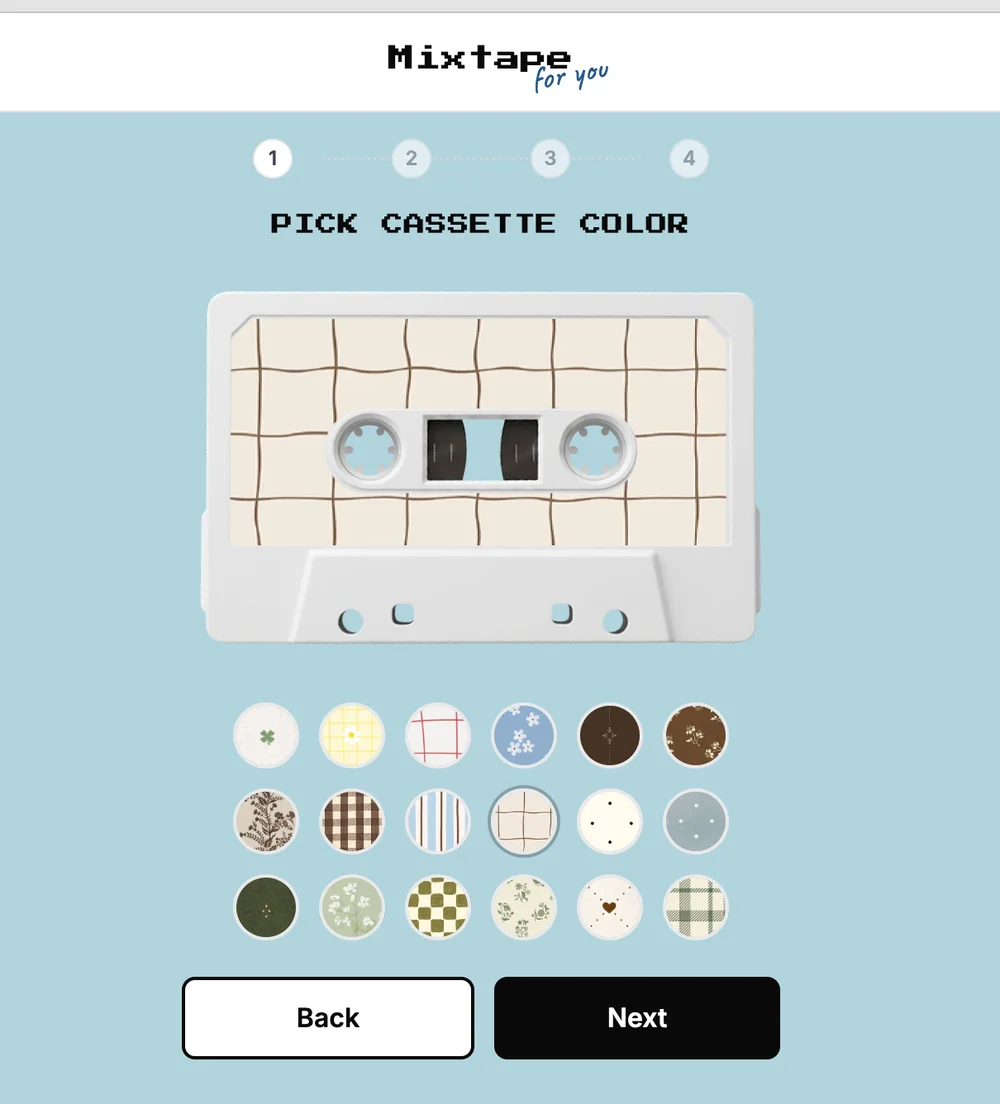
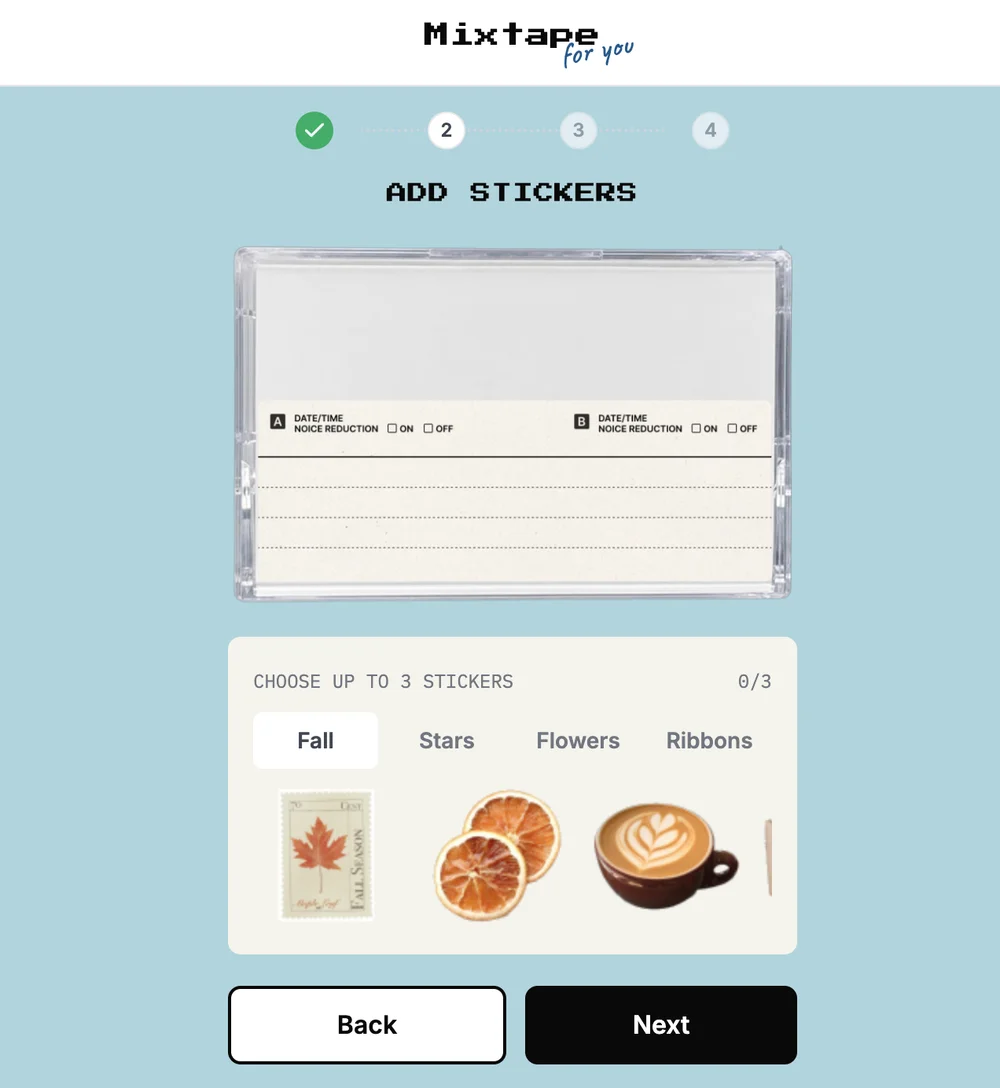
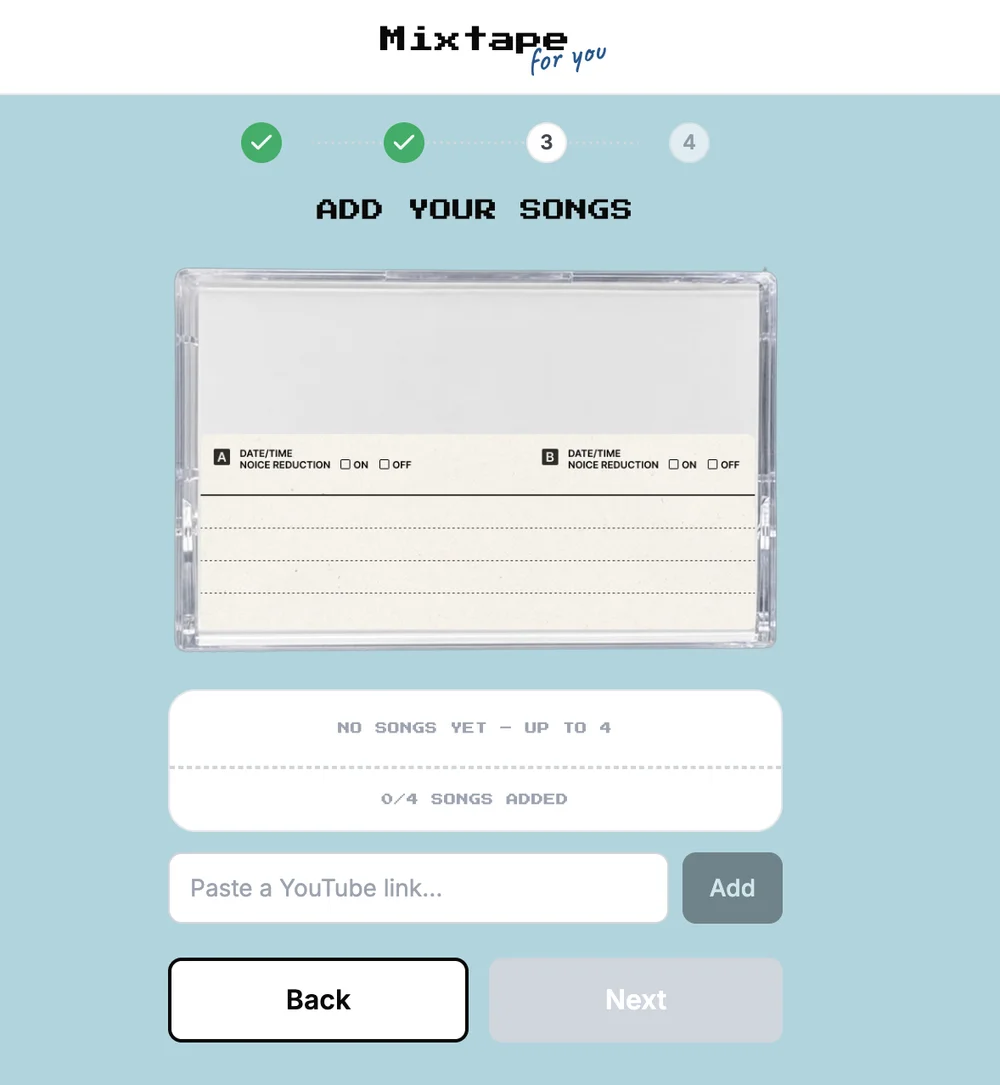
Start with the recipient rather than an exhaustive list of your favorites. One song can recall a shared moment, another can introduce something new, and the remaining choices can connect the mood. This is a suggested curation exercise, not a required order in the app.
Listen to the specific videos you intend to use. A live version, remix, or music video may communicate something different from the recording you remembered. Keep the titles and URLs in a separate note so you can reconstruct the gift if the app link stops working.
| Decision | A useful check |
|---|---|
| Recipient | Would this person enjoy the songs and their context? |
| Sequence | Does each track add something instead of repeating the same idea? |
| Presentation | Does the cover support the mood without distracting from the music? |
| Sharing | Would you be comfortable with someone else seeing the finished page? |
The inspected song field says “Paste a YouTube link…” and displays a four-song limit. Spotify links, local audio uploads, and other music services were not verified. Do not assume support because a link plays in another app.
If a song fails to add or play, distinguish a malformed link from a video that is unavailable to the recipient. Check the original YouTube page before changing the mixtape design. A video playing on YouTube does not prove it can play in every embedded player.
The supplied app entry is https://mixtape-for-you.replit.app/. NavSprout links to this Replit-hosted app and provides an independent overview.
The inspected song-entry step displays a maximum of four songs and asks for YouTube links.
Free creation and share-link generation checked October 14, 2026: a public sample YouTube link and test note produced a share page without sign-in or payment. Playback and long-term hosting were not tested.
NavSprout did not verify audio export. The inspected workflow uses YouTube links rather than an audio-file upload or download tool.
We completed a sample mixtape and reached its share page with a recipient link without payment or sign-in. We did not test recipient playback or long-term availability.
Written by NavSprout Editorial. Published and checked . We use primary project pages and distinguish interface observations from features we have not tested. External websites can change after this check.
Independent editorial coverage. NavSprout is not the developer of the apps described here.
Report a correction →