
What is Newly AI?
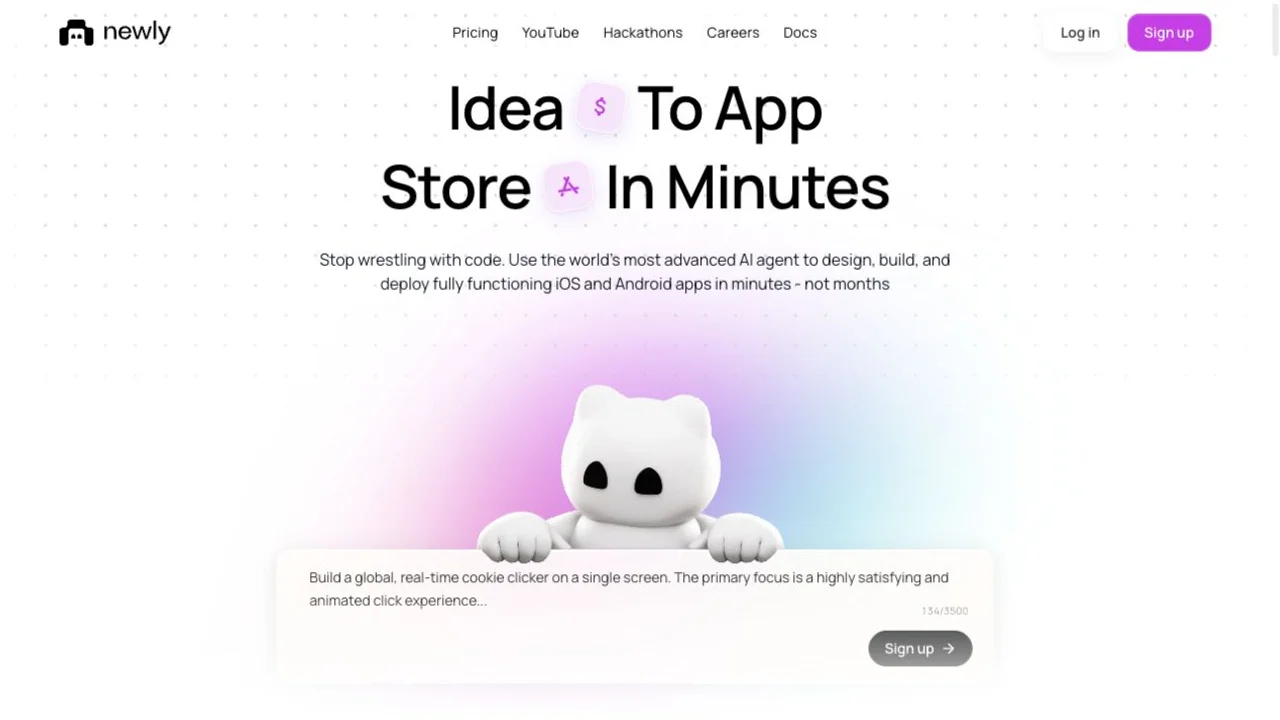
Newly AI turns an app description into a mobile project you can refine in conversation. NavSprout selects it for a specific starting point: make one everyday task work on a phone-sized interface, then decide whether to keep building. A small trial can reveal unclear navigation and missing states sooner than a long feature wishlist. The exercise below is a suggested evaluation, not a completed hands-on benchmark.
Core features
- Describe a mobile task in ordinary language
- Inspect iOS and Android previews in the browser
- Iterate on a small generated first version
- Download source for a reviewable checkpoint
- Move toward device testing when the core flow is clear
Why it’s here
An app idea becomes easier to judge when somebody can follow a flow. Newly offers a conversation-to-project starting point, while its official quickstart deliberately begins with a small version. That makes it relevant to makers who need a concrete first screen and a way to ask for changes. Success should mean a user can finish the intended task, rather than simply recognizing the design.
Try this: a one-screen reading log
Use sample book titles and ask for a list, an add form and a completed state. Name the acceptance criterion before generating anything: add one title, mark it finished and find it again after reopening the app. This is NavSprout’s proposed exercise. It keeps the first decision about interaction and persistence instead of introducing teams, payments and social features all at once.
Use the preview as a question, not a finish line
Newly’s documented preview streams a cloud-hosted native development build. Tap through the empty list, a long title and a second saved item. Ask for one change, then repeat the same path. A cloud preview can help with that loop; it does not settle every real-phone behavior. Move to the official device-testing instructions once the smallest task is understandable.
Read the official documentation ↗
Keep the first experiment’s cost visible
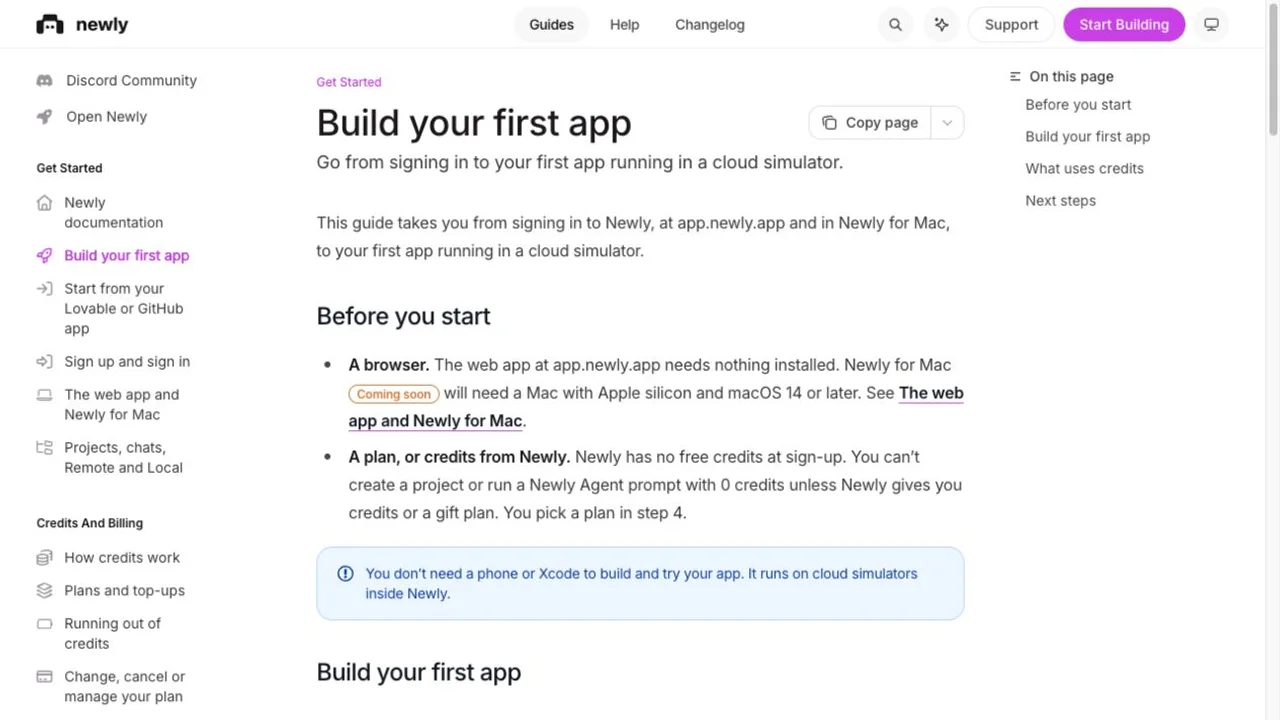
Read the v2 billing guide before starting: signup does not include free credits, and agent work needs a funded account or credits granted by Newly. Set a spending limit and record how much credit the initial build and revisions consume. Preview viewing itself does not draw down credits according to the credit guide. Compare the cost of reaching your acceptance criterion, rather than counting prompts.
Add accounts only when the user task needs them
For a personal reading log, ask whether device-local records are enough. The v2 backend model starts local and adds Newly Backend for shared data or accounts. If your next test needs the same list on two devices, make that a separate requirement and check the development versus production setup. This keeps the experiment small while exposing the actual reason for a backend.
What would make you continue—or stop?
Continue if the main task is clear, repeatable and worth improving on a real device. Pause if revisions consume your budget without fixing the same failure. Before committing, inspect an exported checkpoint and read the v2 source workflow: downloads do not imply automatic GitHub sync. Store publishing is a later project decision, with platform accounts and release review beyond the initial preview.
Practical use cases
- Turn one personal productivity idea into a testable mobile flow.
- Ask a potential user to evaluate a narrow screen sequence before adding more features.
- Compare two app-building approaches using the same sample task and budget.
How to get started with Newly AI
- Write one sentence naming the user and the task.
- Check the paid credit requirements and set your trial budget.
- Prompt a small first version using sample data.
- Repeat the main path in the native preview, including an empty or invalid state.
- Ask for one correction and record the credit change.
- Decide whether real-device testing and a release plan are justified.
Who it suits
Independent makers and small teams who have a narrow mobile use case and want a concrete evaluation before expanding it.
Before you commit
Do not pay for a long feature list before the smallest useful flow works. The trial described here has not been executed by NavSprout.
Newly AI FAQ
What would I try first in Newly AI?
Choose one main screen and one outcome, such as adding and completing a reading-log entry. Use sample data and a written acceptance criterion.
Do I need a phone for the first preview?
The official preview guide describes cloud simulators inside the browser. Real-device testing remains a later check for the app you intend to release.
Can I try Newly without buying credits?
The v2 guide says new accounts have zero credits and no free plan. Work requires paid funding or credits or a gift plan granted by Newly.
Should my first app include sign-in?
Only if the task calls for it. The documented v2 model starts with local data and adds a backend when accounts or shared data are needed.
Can I keep a copy of the generated code?
Yes, the official source guide documents downloads. Read its branch rules and its current restrictions on GitHub sync and uploading external edits.
Does a successful preview mean the app is ready to publish?
No. Continue with real-device checks and the platform-specific build, signing and store release process.
Related tools by task
Compare Lovable for a web-app starting point or Agent-Native for an application framework. Choose by the product you need to build; these are independent editorial links, not claims of equivalent mobile deployment support.
Sources and review scope
- Official Newly AI website ↗
- Build your first app ↗
- Plans and top-ups ↗
- How credits work ↗
- Native previews ↗
- Backend and data ↗
- Source export ↗
- TestFlight publishing ↗
- Store release guide ↗
- Toolify reference listing ↗
Reviewed October 20, 2026 using the public website and official documentation. Toolify informed the introduction structure. We did not create an account, generate an app or submit a store build. Screenshots record the public sources; the icon is Newly’s original favicon.