12 / 16
Servo: Set Angles from 0° to 180°
Set a servo target angle and watch its position change. Compare 0°, 90° and 180°, and distinguish position control from DC motor speed.
Run this experiment →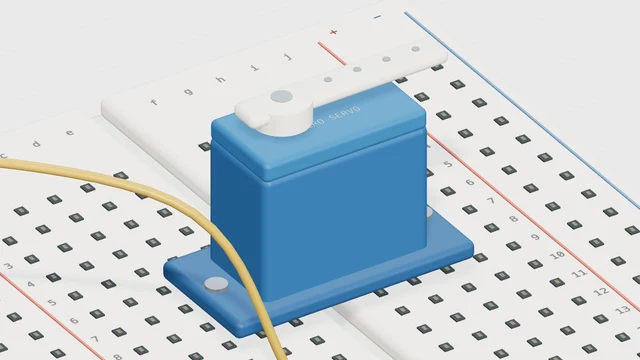
Why it’s here
Use a target angle instead of a speed.
How it works
A servo command is a target position, unlike a DC motor speed command. The visual arm moves to the selected angle. Actual travel, pulse limits and current draw depend on your servo.
Try it
- Open this experiment
- Run at 90°, then select 0° and 180°. Watch the horn settle at each target instead of rotating continuously.
Connections
- D9 — Servo signal
- External 5V / GND — Suitable supply + shared ground
Example sketch
#include <Servo.h>
Servo arm;

void setup() {
  arm.attach(9);
}

void loop() {
  arm.write(90);
  delay(20);
}
Check your understanding
Does a target of 180 mean 180 revolutions per minute?
Show the answer
No. It requests an angle in degrees for this positional servo model. It is not an RPM or a continuous-rotation speed command.