09 / 16
Buzzer Piano: Keys & Note Frequencies
Play virtual piano keys and compare note frequencies. Learn the input-to-tone mapping and the limits of the single-button hardware sketch.
Run this experiment →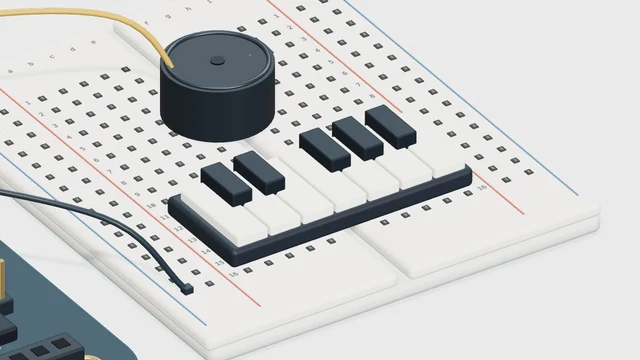
Why it’s here
Combine discrete inputs with a buzzer output.
How it works
Each virtual key selects one frequency. The displayed sketch is the minimal example for a single physical key; a full hardware keyboard needs separate input pins and a scanner.
Try it
- Open this experiment
- Enable sound and run. Play C, E and G separately, comparing the frequencies in the monitor with the notes you hear.
Connections
- D2…D7, D12 — Illustrative keyboard inputs
- D8 — Buzzer output example
Example sketch
void setup() {
  pinMode(2, INPUT_PULLUP);
  pinMode(8, OUTPUT);
}

void loop() {
  if (digitalRead(2) == LOW) {
    tone(8, 262);
  } else {
    noTone(8);
  }
}
Check your understanding
Does the included sketch implement the whole virtual keyboard?
Show the answer
No. It illustrates one button triggering a tone. The virtual keyboard demonstrates several note frequencies; a physical keyboard needs additional inputs and code.