08 / 16
Buzzer: Frequency, Pitch & tone()
Change a piezo buzzer frequency and compare pitches. Use tone() to connect a signal measured in hertz with the sound you hear.
Run this experiment →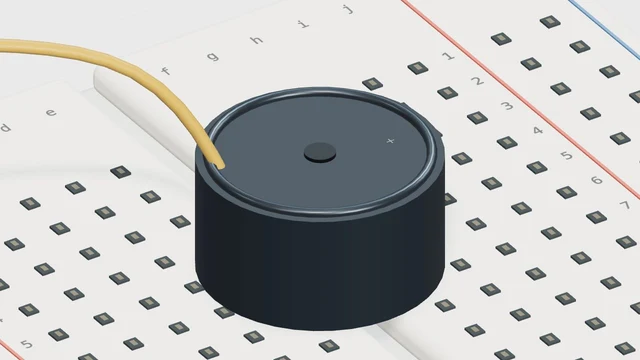
Why it’s here
Connect frequency with perceived pitch.
How it works
Frequency counts cycles per second. Doubling the frequency raises the pitch by one octave. Sound is opt-in and begins only after a user gesture; the displayed frequency remains useful with audio muted.
Try it
- Open this experiment
- Enable sound and run at 440 Hz. Try 880 Hz next, then return to 440 Hz and compare the pitch.
Connections
- D8 — Piezo signal
- GND — Buzzer return
Example sketch
void setup() {
  pinMode(8, OUTPUT);
}

void loop() {
  tone(8, 440);
}
Check your understanding
Does doubling frequency mean doubling volume?
Show the answer
No. Frequency determines the repetition rate and affects pitch. This control does not represent a volume adjustment.