03 / 16
Button Input with digitalRead
Press a virtual button to control an LED. Follow the D2 input, see why the circuit uses a pull-down resistor, and read HIGH and LOW.
Run this experiment →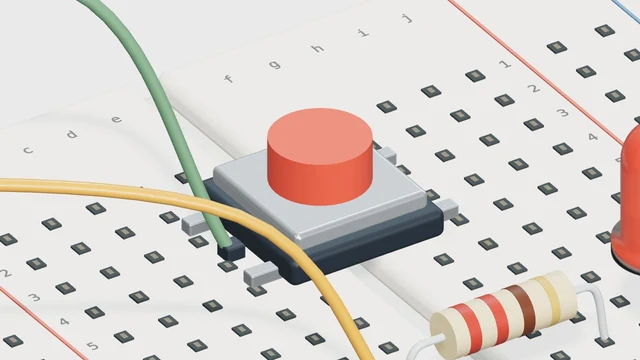
Why it’s here
Read a digital input and use it to control an LED.
How it works
A pull-down sets a known LOW state when the button is released. Pressing the button makes the input HIGH, and the LED mirrors that state. This is an idealized switch; contact bounce is not modeled.
Try it
- Open this experiment
- Run the circuit, press the button, then release it. Watch D2 and the LED rather than judging the result from the button animation alone.
Connections
- D2 — Button + 10 kΩ pull-down
- D13 — Resistor → LED
- 5V / GND — Input supply / return
Example sketch
void setup() {
  pinMode(2, INPUT);
  pinMode(13, OUTPUT);
}

void loop() {
  int pressed = digitalRead(2);
  digitalWrite(13, pressed);
}
Check your understanding
What keeps D2 LOW when the button is released?
Show the answer
The pull-down resistor provides a defined resting state. Without a suitable pull-up or pull-down arrangement, an input can float.