01 / 20
Meet the ESP32
Explore the module, antenna, USB, GPIO and 3.3 V supply.
Run this experiment →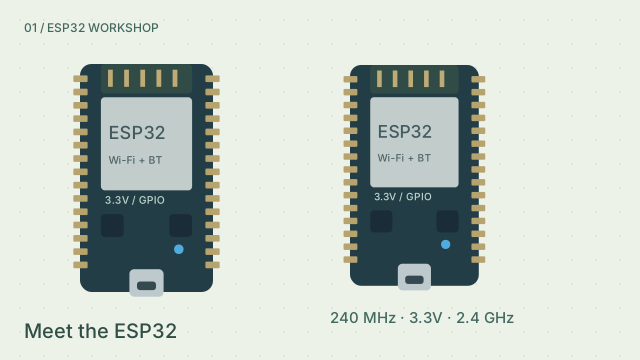
Why it’s here
Locate GPIO 2, GPIO 34 and GND before running your first sketch.
How it works
Explore the module, antenna, USB, GPIO and 3.3 V supply. No. Use an output-capable GPIO such as 2. GPIO 34–39 are input-only on the classic ESP32. This guided model targets the original ESP32 and Arduino-ESP32 3.x; radio, acoustics, loads and mechanics are simplified.
Try it
- Open this experiment
- Locate GPIO 2, GPIO 34 and GND before running your first sketch.
Connections
- USB — 5V input → 3.3V regulator
- GPIO 2 — Built-in teaching LED; board variant dependent
- GPIO 34–39 — Input only; no internal pull-ups
Example sketch
void setup() {
  Serial.begin(115200);
  pinMode(2, OUTPUT);
}

void loop() {
  digitalWrite(2, HIGH);
  Serial.println("Hello, ESP32 · 3.3V logic");
  delay(1000);
}
Check your understanding
GPIO 34 is input-only. Could it drive an LED?
Show the answer
No. Use an output-capable GPIO such as 2. GPIO 34–39 are input-only on the classic ESP32.