
Recitation Smoky
Make a short Quran recitation video with Recitation Smoky. Choose a verse range, check subtitle timing and preview the clip before export.
Open hereUse Ideal Photo to combine related snapshots into one image you can share. Try uploading four pictures first so you can assess the crop, order and final preview without setting up your camera.
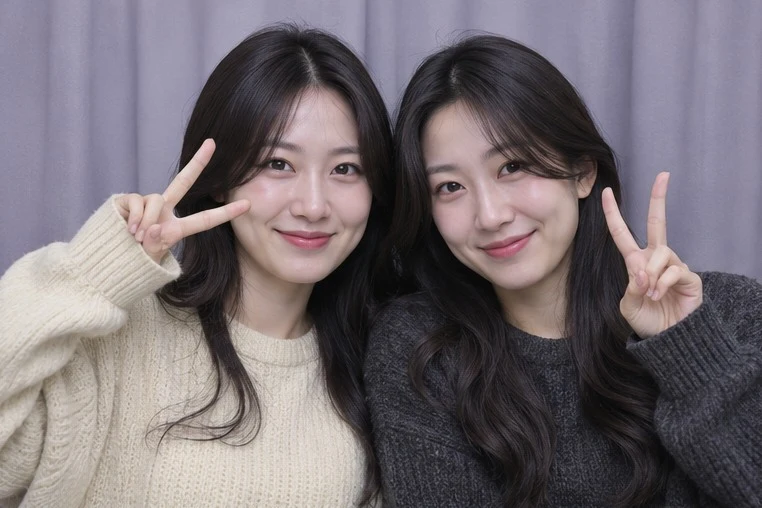
The preview gives you a single place to check the order and spacing before downloading. That suits a quick keepsake where the arrangement matters more than detailed retouching.
People who want a simple photo keepsake from a party or a set of existing pictures.
A filter applies a consistent look, but it does not fix a face cut off by the frame. Review the crop before choosing a filter.
Start with uploads if the photos already exist. Choose a timed webcam session when the point is to capture a sequence of new poses. Both routes give you a preview to check before you save the resulting PNG.
Checked November 14, 2026. We reviewed the public editor labels and publisher documentation. The steps are a suggested exercise. We did not grant camera access or test an export.
| What you need | Starting point |
|---|---|
| Make a keepsake from an event that already happened | Upload the existing images and review their order |
| Capture a new sequence with friends | Use the timed webcam booth and choose a countdown that gives everyone time to reset |
| Work on a device without camera permissions | Use uploads and check the crop in each tile |
Look for clipped faces and differences in scale across shots. Select the awkward photo to adjust its crop or move it. For a webcam session the site also documents retaking a selected shot. Use a frame once the sequence reads clearly.
Save it as soon as you are happy with the preview. The publisher describes a session-based editor without saved drafts. Open the downloaded image before closing the editor if you still want to make changes.
Keep working with the Upload Photos option, or review camera permission in your browser if you want to capture new shots.
Try Grid for a compact arrangement. Classic Strip keeps the sequence in a tall column.
The publisher says the editor does not save drafts. Download PNG exports the combined design.
Written by NavSprout Editorial. Published and checked . We use primary project pages and distinguish interface observations from features we have not tested. External websites can change after this check.
Independent editorial coverage. NavSprout is not the developer of the apps described here.
Report a correction →