
What Brandon Thinks is an AI chat-report website at www.whatbrandonthinks.com. You select the kind of conversation and messaging app, then provide a supported chat export or recording for a character-led interpretation. NavSprout’s first task is smaller than uploading a conversation: inspect the setup and decide what kind of report you actually want. That gives you a clearer starting point for a tool built around very personal material.
Why it’s here
This is a focused alternative to starting a blank AI chat. Its setup asks what sort of conversation you have and where it came from, then supplies an import path. We followed the Friends group and WhatsApp route to the empty upload screen and its tutorial. No private messages, contact details or files were supplied, and no personalized report was generated.
What does What Brandon Thinks do?
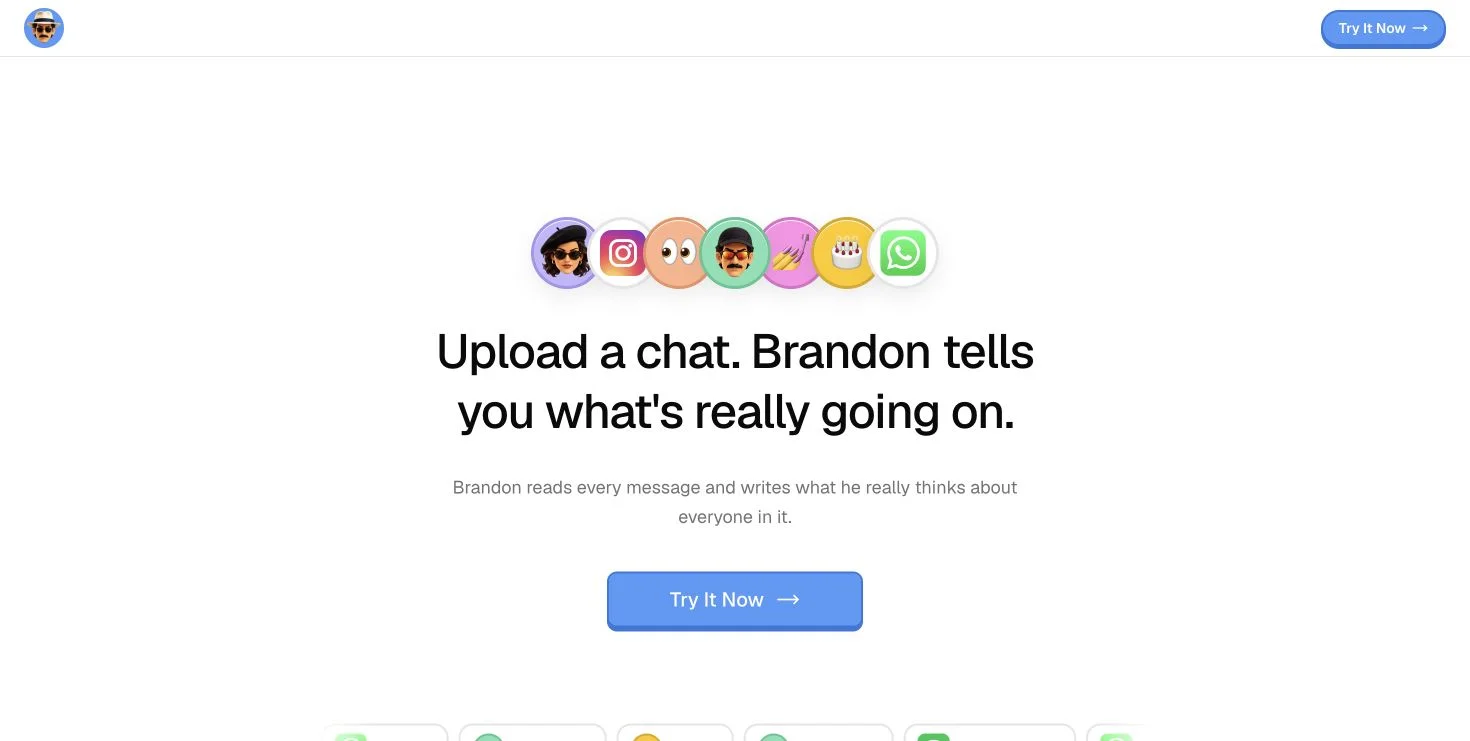
The product packages chat analysis as a report written in an opinionated character’s voice. The homepage offers sample-chat controls for different social situations. That presentation suits people curious about an entertaining interpretation of a conversation. It does not establish what another person privately thinks, and a confident writing style should not be mistaken for evidence that an interpretation is correct.
Choose the question before choosing the file
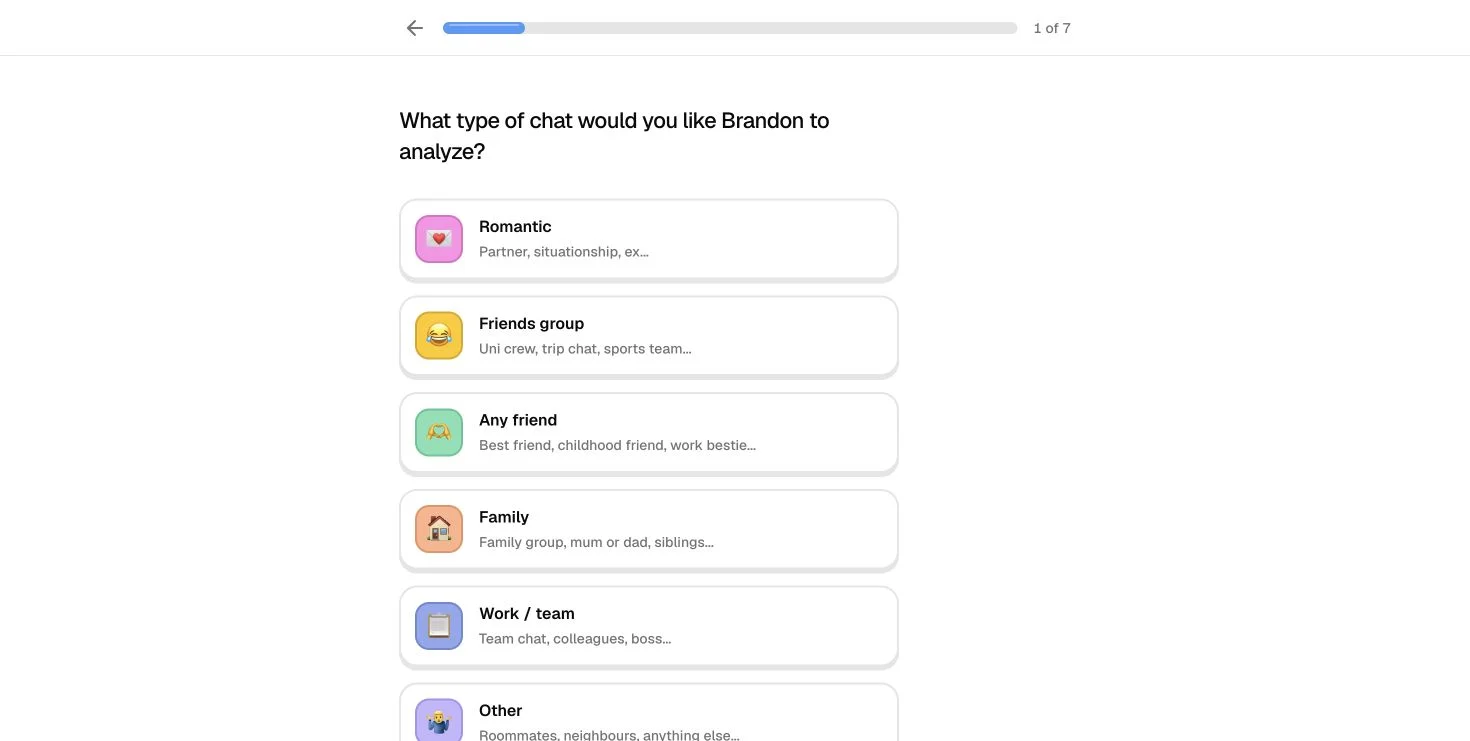
Step 1 of the observed setup offered Romantic, Friends group, Any friend, Family, Work / team and Other. Consider what you want to notice: who organizes plans, what a running joke means to the group or how a discussion changes direction. A narrow question makes it easier to assess whether a resulting observation is useful. A report cannot recover tone, offline events or missing context that was never present in the uploaded material.
Follow the import route for your actual messaging app
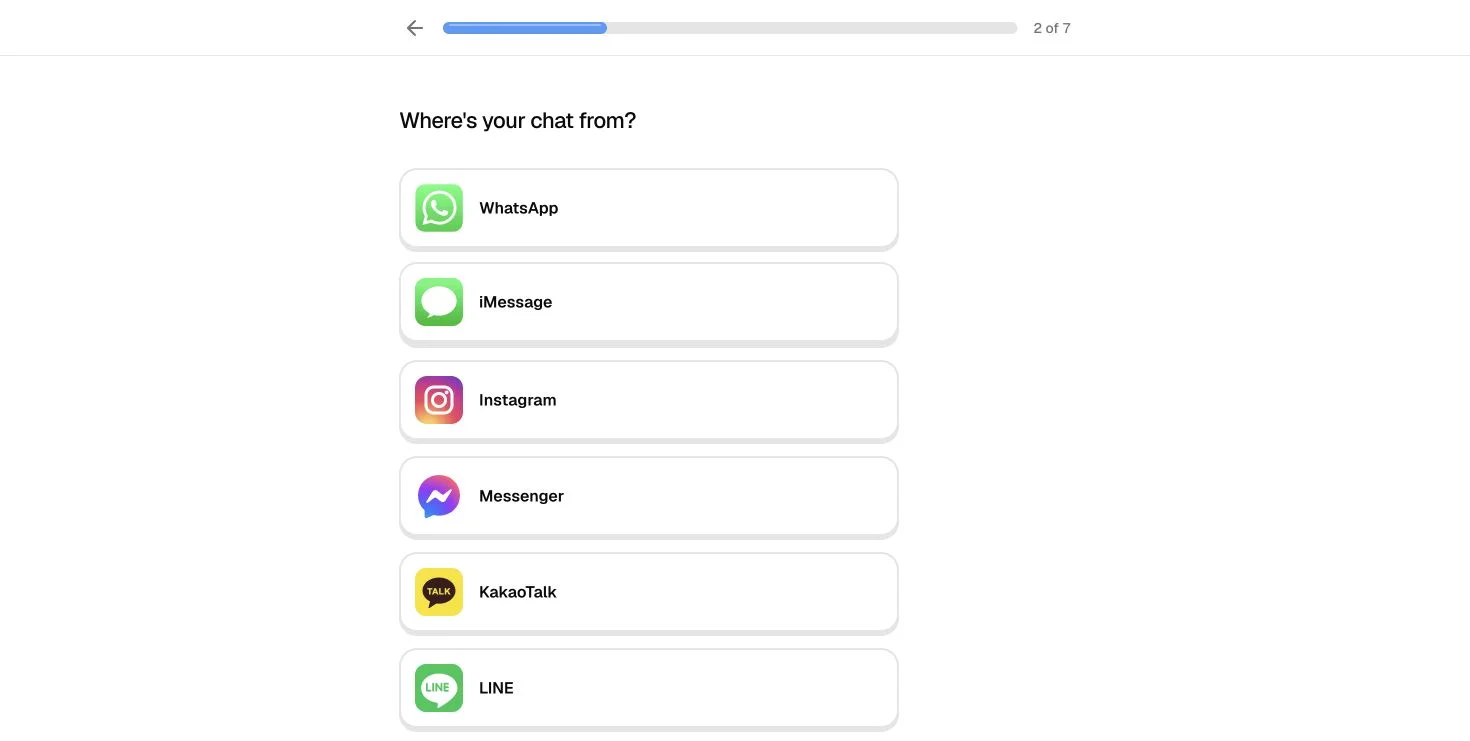
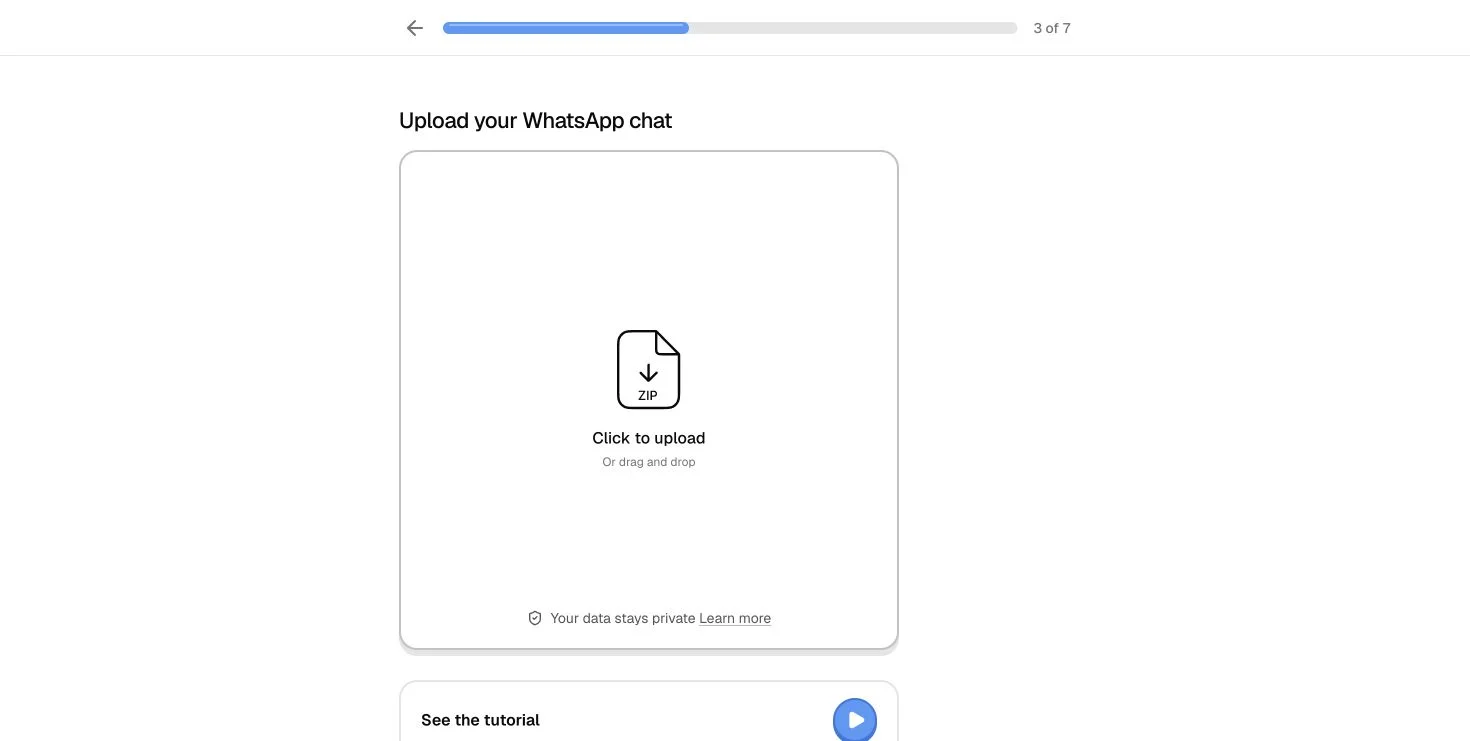
Step 2 listed WhatsApp, iMessage, Instagram, Messenger, KakaoTalk and LINE. These are choices in the original interface, not six integrations we exercised. We selected WhatsApp and reached a file-upload page with a tutorial and an email alternative. Use the path for the app and device you actually have; renaming an unrelated document will not make it a valid chat export.
Read the tutorial before exporting everything
The WhatsApp group tutorial showed a sequence from opening the chat to exporting without media, saving to Files and selecting that export on the website. We inspected those instructions without completing an export. A useful preparatory task is to identify which conversation you intend to use and whether you are permitted to share it. Keep unrelated messages, attachments and other people’s details out of a trial wherever possible.
Understand the preview before expecting a free full report
The provider describes a free opening preview followed by a charge for the full report, with payment per report rather than a subscription. We did not reach checkout, verify a total price or buy a report. Read the preview as a sample of tone and relevance: an engaging opening is not proof that every later section is accurate, and the current checkout should be the source for the amount you would pay.
Use the output as something to discuss
If you later obtain a report, distinguish quotations or observable messaging habits from interpretations about motives. Ask whether the quoted context supports the conclusion and whether a different explanation fits. The service’s terms classify reports as entertainment and acknowledge that generated material can be wrong. For NavSprout readers, the useful outcome is a more thoughtful question about a conversation, not an automatic verdict on the people in it.
Check what you are uploading and keeping
The linked privacy policy distinguishes the original upload from the report. Check both entries before providing data. We read the published explanation; we did not test storage or deletion. A useful first-session question is whether you want to keep the resulting report at all.
What this first visit established
We opened the public home page, selected Friends group, chose WhatsApp and read the empty upload screen and group-export tutorial. The gallery records that actual sequence. It establishes what the entry experience looked like on November 1, 2026. It does not test chat parsing, personalized analysis, delivery, account access, payment or the quality of a generated report.
From context to upload: the observed route
| Stage | What we observed |
|---|---|
| Conversation type | Six context choices, including Friends group, Family and Work / team. |
| Messaging source | WhatsApp, iMessage, Instagram, Messenger, KakaoTalk and LINE in the selector. |
| WhatsApp input | An empty upload box, tutorial and email alternative; no file submitted. |
| Export instructions | A group-chat tutorial describing export without media and saving a file before upload. |
| Report and payment | Provider documentation reviewed; preview generation, checkout and a personalized report not tested. |
A useful first visit
- Open the original website and inspect the available sample-chat controls.
- Choose a conversation category that matches the task you have in mind.
- Select its actual messaging platform and read the matching import tutorial.
- Review pricing, privacy and permission to use the conversation before uploading anything.
- If you later generate a report, compare its claims with the source conversation rather than treating them as facts.
What Brandon Thinks: real interface screenshots
Actual English browser views captured on November 1, 2026. Screenshots show the public entry flow, not a generated report or a private conversation.
What Brandon Thinks FAQ
What is What Brandon Thinks?
It is a website that creates AI-written interpretations of conversations. The interface organizes the experience around chat type, source app and a report with a distinctive character voice.
Where is the original website?
The reviewed destination is https://www.whatbrandonthinks.com/. The provider identifies whatbrandonthinks.com as its official domain. Follow that address before supplying files.
Which messaging apps are listed?
The observed setup listed WhatsApp, iMessage, Instagram, Messenger, KakaoTalk and LINE. Our walkthrough followed WhatsApp only and did not test file ingestion.
Can I look around without uploading a chat?
Yes. We browsed the homepage, setup choices and upload instructions without supplying a file or personal conversation. That did not create a personalized report.
Is What Brandon Thinks free?
The provider describes a free preview, then payment for a full report. We did not verify a checkout price or purchase anything. A preview is not a promise of a free complete report.
Does it require a subscription?
The About page describes payment per report and no subscription. Confirm the current purchase details on the original website before paying.
Can it tell me what someone really feels?
A generated interpretation cannot verify another person’s inner thoughts. Compare claims with the actual conversation; the provider’s terms frame reports as entertainment.
Did NavSprout upload or analyze a conversation?
No. This guide covers the visible entry flow and published product information. No chat file, email address or payment details were submitted.
Sources & review scope
We inspected the original What Brandon Thinks website, its public setup, the Friends group / WhatsApp route and its group-export tutorial on November 1, 2026. Product descriptions were checked against the provider’s About page and FAQ.
Access and data-handling descriptions refer to the published Privacy policy and Terms. They are provider statements, not audited guarantees. We did not upload a file, submit personal messages, generate a report, create an account, make a purchase or test deletion. The application icon is copied unchanged from the original site’s declared PNG.