 One button. One more try.

Why it’s here: what is Flying Balaya?
Flying Balaya is a short browser arcade challenge built around repeated lift inputs and gaps between bottles. NavSprout includes it as a small break with a clear first-session goal: learn how the character rises and falls, reach an obstacle and understand the retry loop. The game now runs directly on NavSprout using our own local implementation and the original visual and audio assets, so a break here does not rely on the original Vercel site staying online.
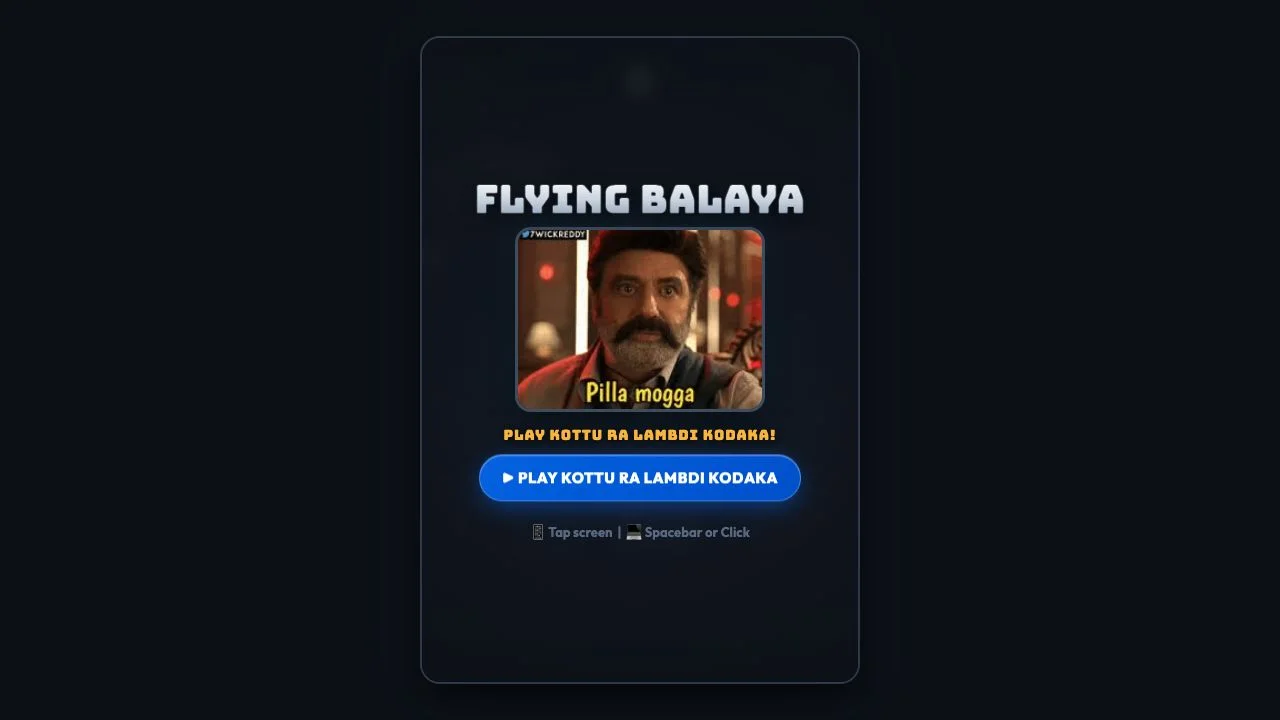
What does the game include?
- One repeated action controls upward lift
- Approaching bottle pairs create the obstacle gaps
- Short attempts end in a score-and-best result panel
- Replay is available directly from the failure screen
- Audio can be toggled before or during a run
- A local game player with pause, close and sound on by default
Flying Balaya controls at a glance
| Action | Control | Result |
|---|---|---|
| Lift | Spacebar, Arrow Up, W, click or tap | One upward impulse; focus the playfield for keyboard input |
| Pause | Pause button or Escape | Freezes the run; Resume continues it |
| Retry | Play again on the result panel | Starts a fresh run |
| Sound | Sound on / Sound off | Original audio, hosted locally; on by default |
| Stop | Close game | Stops animation and audio, returns to the cover |
Why try a small first run?
A game with one main action can still take a few attempts to understand. Begin by watching the character fall and noticing how much one input lifts it. Your first useful result does not have to be a high score: it can simply be recognizing when you pressed too early or too often. This makes a short session easier to learn from than repeatedly restarting without changing your rhythm.
What did our trial actually involve?
We loaded the original, changed the sound indicator to muted, started and used Spacebar presses. The playfield showed the character and then bottle obstacles; a collision produced the failure view with Score, Best and Play Again. Retrying reopened the game. Our screenshots show zero-score attempts, so they document the opening loop rather than expert play or a personal-best achievement.
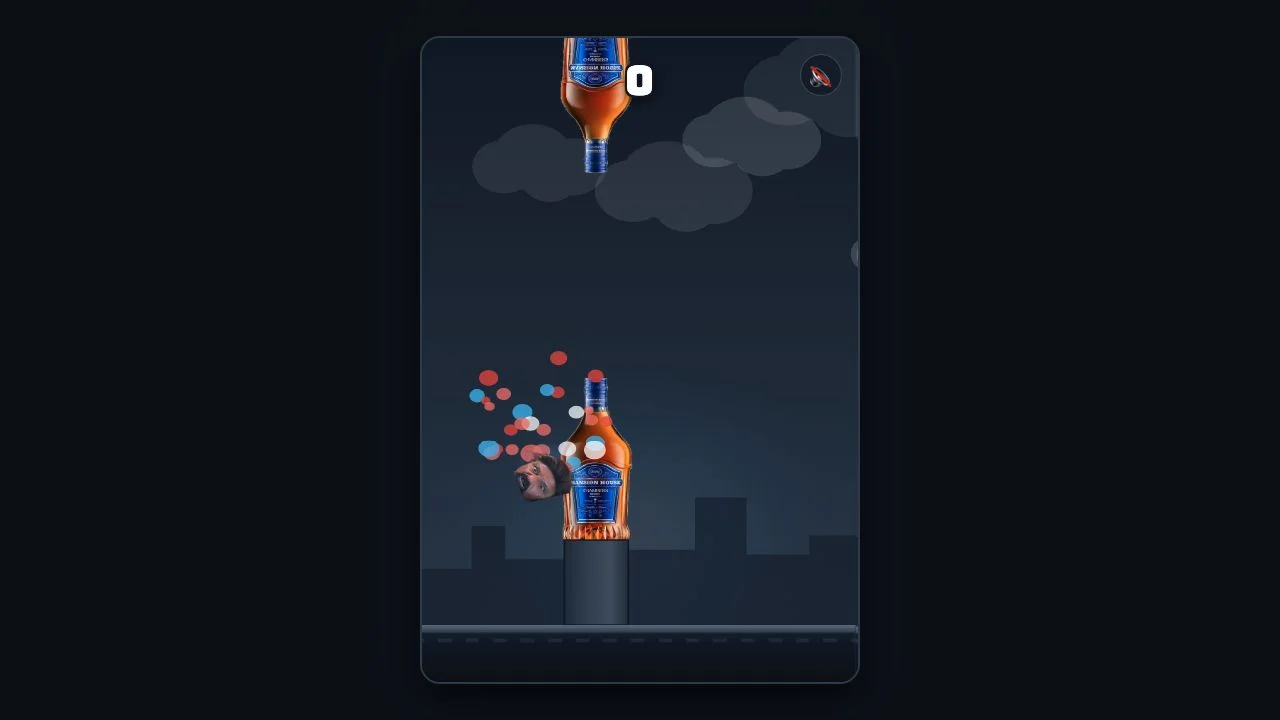
What should you watch while flying?
Watch the next gap as well as the character’s current height. The public source applies an upward impulse to an input and gravity afterward, so constant rapid pressing is not the same as controlled flight. The source counts a point after a bottle pair has moved behind the character. We did not complete a scored obstacle pass in the captured attempts; that scoring explanation comes from the public code.
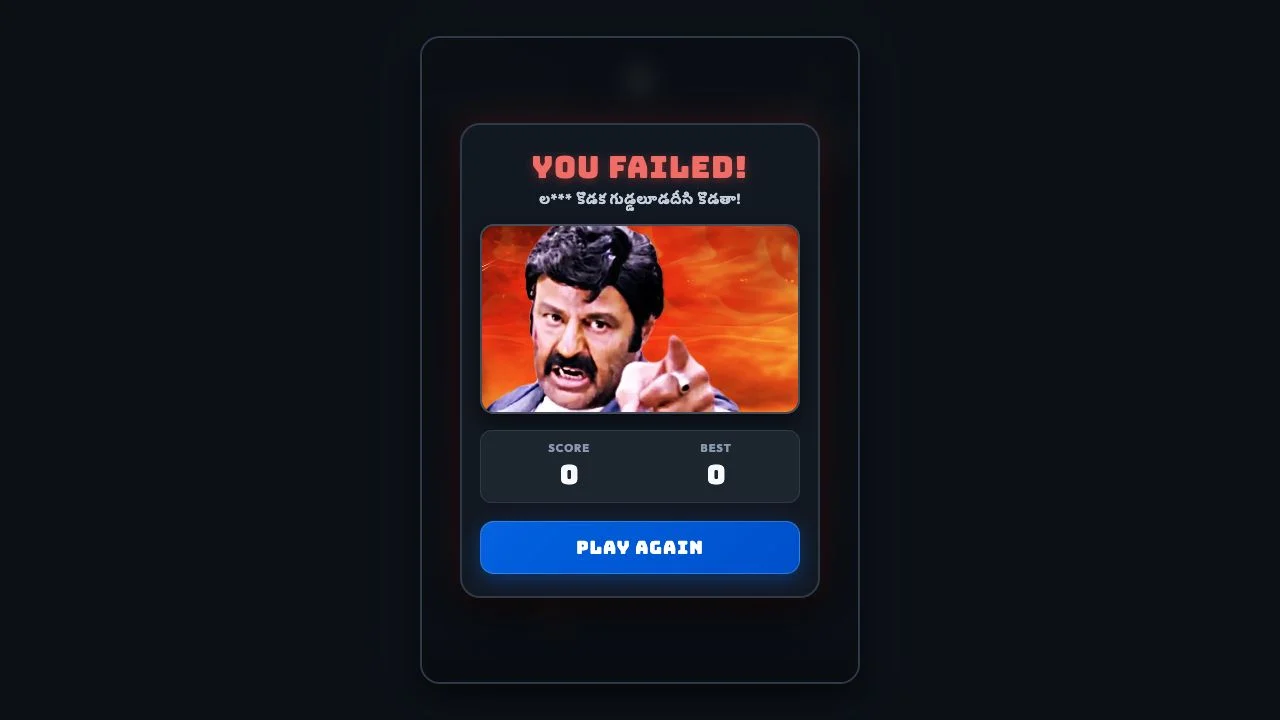
How do you keep the session comfortable?
Sound is on by default when you start the game. Select Sound on to mute before or during play. Focus the playfield, then use Spacebar, Arrow Up, W, click or tap for lift. Pause or Escape lets you stop without losing the current position; Resume continues the same attempt. Moving to another tab pauses automatically. Close game stops the game and audio entirely, so a short break has a clear ending.
Is the best score a useful target?
A personal best can give repeated attempts a small goal, but this is not an online leaderboard. NavSprout stores the best locally in this browser when site storage is available. It does not sync with the original website, another device or AINavly. If storage is blocked, play and the current session’s record still work. Clearing browser site data resets the saved best.
Who is this discovery likely to suit?
It suits players who enjoy fast retries, single-action arcade timing and meme humor. The original assets include Telugu text and coarse language, so consider muting it before playing in a shared space. Playing here requires no account or payment. The game code, images and audio are served by NavSprout; the original-site link is an optional reference rather than a connection needed to play.
Try this: learn the lift, meet a gap, retry once
Give each short attempt one thing to notice rather than making a high score the only goal.
- Check the sound setting, then choose Play game.
- Focus the playfield to use the keyboard.
- Use a few spaced inputs to learn the rise-and-fall rhythm.
- Watch the first bottle gap and adjust your height.
- Read the result and identify one timing mistake.
- Try again once, then close the player when the break is over.
Flying Balaya FAQ
What kind of game is Flying Balaya?
It is a single-action flying arcade game with bottle gaps, a score counter and quick replay after a collision.
Can I play without opening another site?
Yes. Play game starts a Canvas game hosted by NavSprout, with no remote iframe. The original site can be offline without interrupting this local version.
What is a good first-session goal?
Learn how one input changes height, reach the first obstacle and make one deliberate adjustment on a retry. A high score is optional.
Which desktop controls are available?
Focus the game and use Spacebar, Arrow Up, W or click for lift. Tapping the playfield is also supported. Pause or Escape freezes the current attempt.
Is the Best value a public ranking?
No. Best belongs to this browser on NavSprout and does not sync with other sites or devices. Blocking storage does not prevent playing.
Is the game suitable for a quiet or shared setting?
There is a mute toggle, but the game also uses meme imagery, Telugu text and coarse language. Consider the content as well as the sound setting.
Does it cost anything to try?
No account or payment is needed. This local version needs JavaScript and Canvas support, plus access to NavSprout’s own page and game assets.
More browser games
Browse the existing Game selection, or try Borderline’s map-drawing challenge for a different pace.
Sources and review scope
Original-site check, October 31, 2026: start screen, mute indicator, desktop keyboard lift, bottle encounter, collision and retry; captured attempts scored zero. The article screenshots document that original test. The on-page game is now an independently implemented local version using the checked 60 Hz rules and original visual/audio assets. Best is browser-local; no cloud sync or global ranking is provided. A physical-phone test and full audio-content review were not performed. Local hosting removes the original-site dependency, but is not an offline-install guarantee.